


How to: Use coupons
This guide shows how coupons add funds or reduce the platform charge on an eligible purchase.
Last updated: July 27, 2026
What is a coupon?
- A coupon is a code that gives a specific benefit. A top-up coupon adds funds to your available balance after you claim it. A purchase-discount coupon is entered during checkout and reduces the eligible amount for that one purchase.
What you need
- A signed-in Showchase account.
- A valid coupon code from Showchase or an authorized sender.
- For a purchase discount, an available product you want to buy.
How coupon benefits are applied
- Top-up coupons: Enter the code on the Coupons page, validate it, then choose Claim. The credited amount appears in the Available funds card at the top of My Page.
- Purchase discounts: Enter the code on the purchase page after you choose Buy. The discount can only reduce the amount charged by Showchase as commission, so the seller receives the same amount with or without the coupon. The applicable discount is at most the commission rate for that purchase; some purchases may not use the full coupon percentage.
Steps
-
Open the Coupons page
Open My Page and look at the Available funds card at the top. Scroll to Purchases, then tap Coupons.
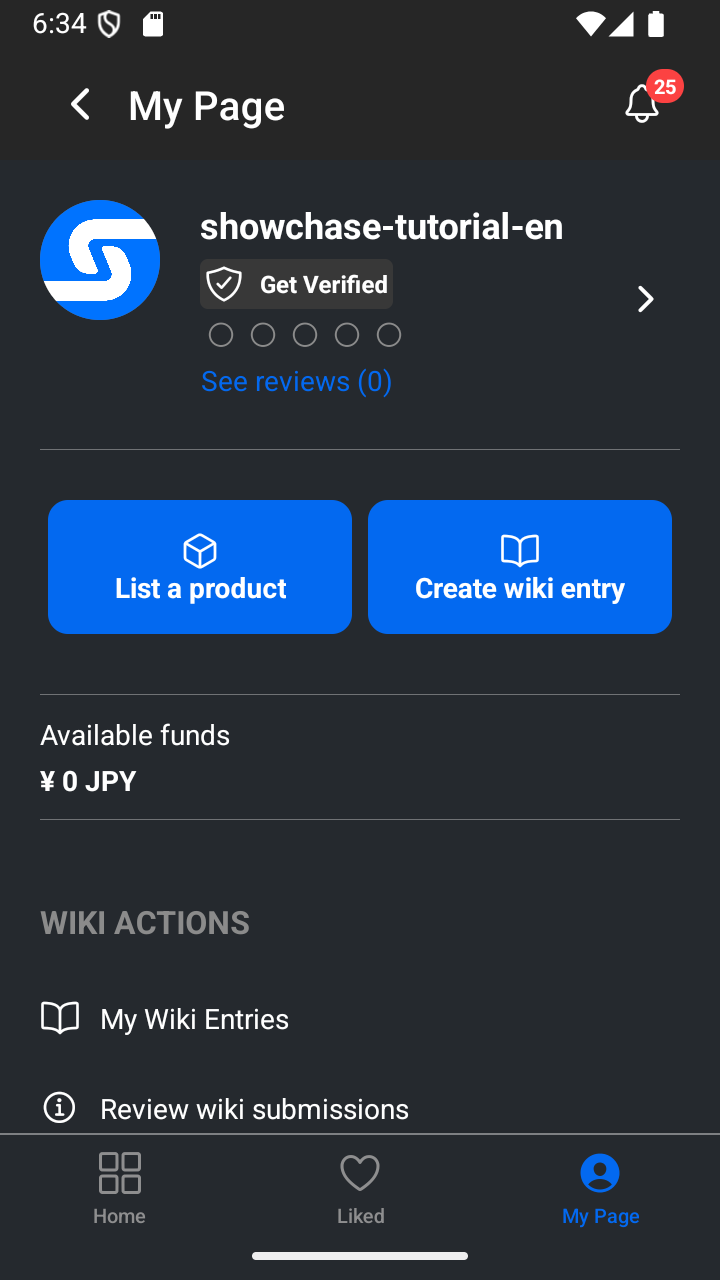
Your available balance is shown at the top of My Page. 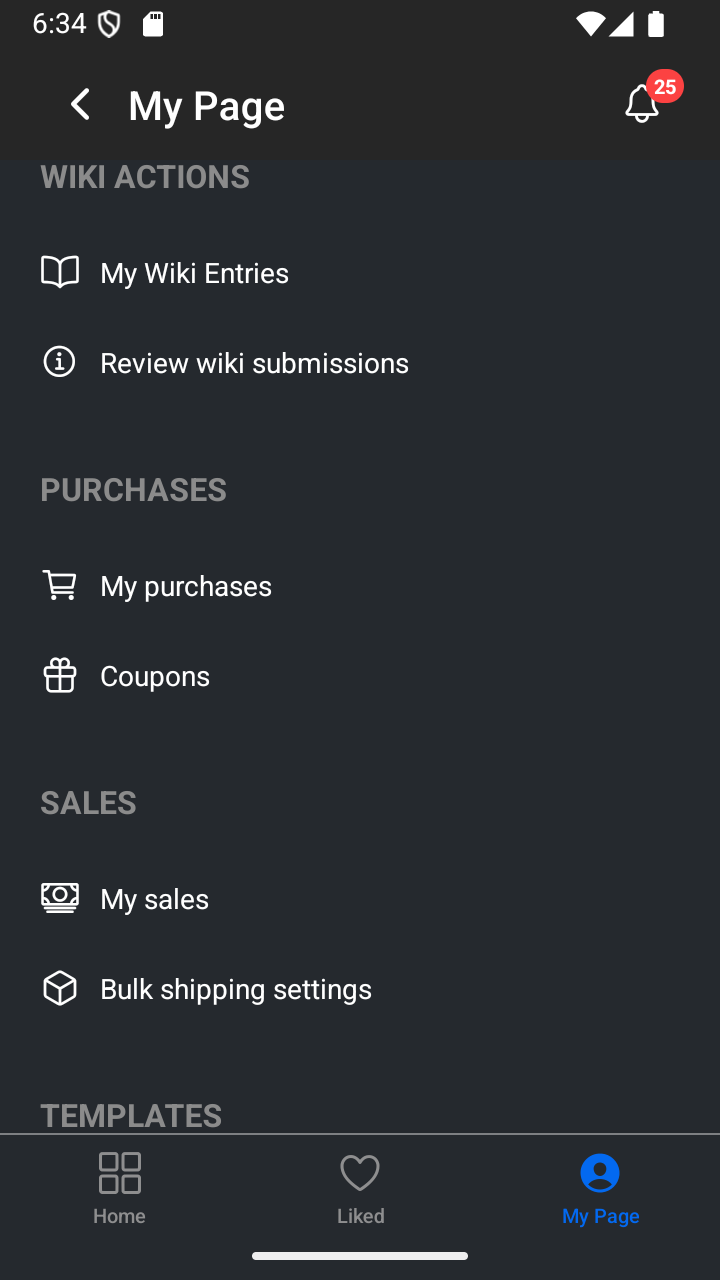
Scroll to Purchases and tap Coupons. 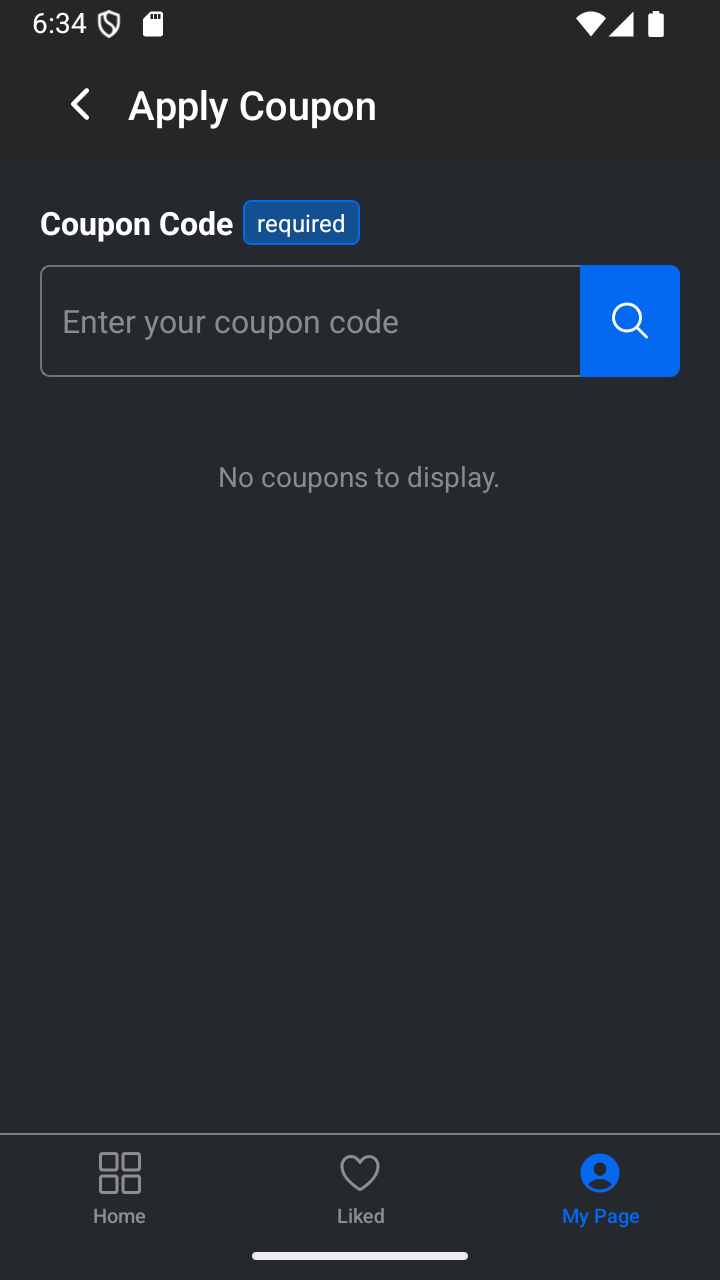
Enter a coupon code on this page. -
Claim a top-up coupon and check your balance
Enter your top-up code and tap Validate. Check the coupon details, then tap Claim. After the confirmation, return to My Page and check the Available funds card at the top to see the added balance.
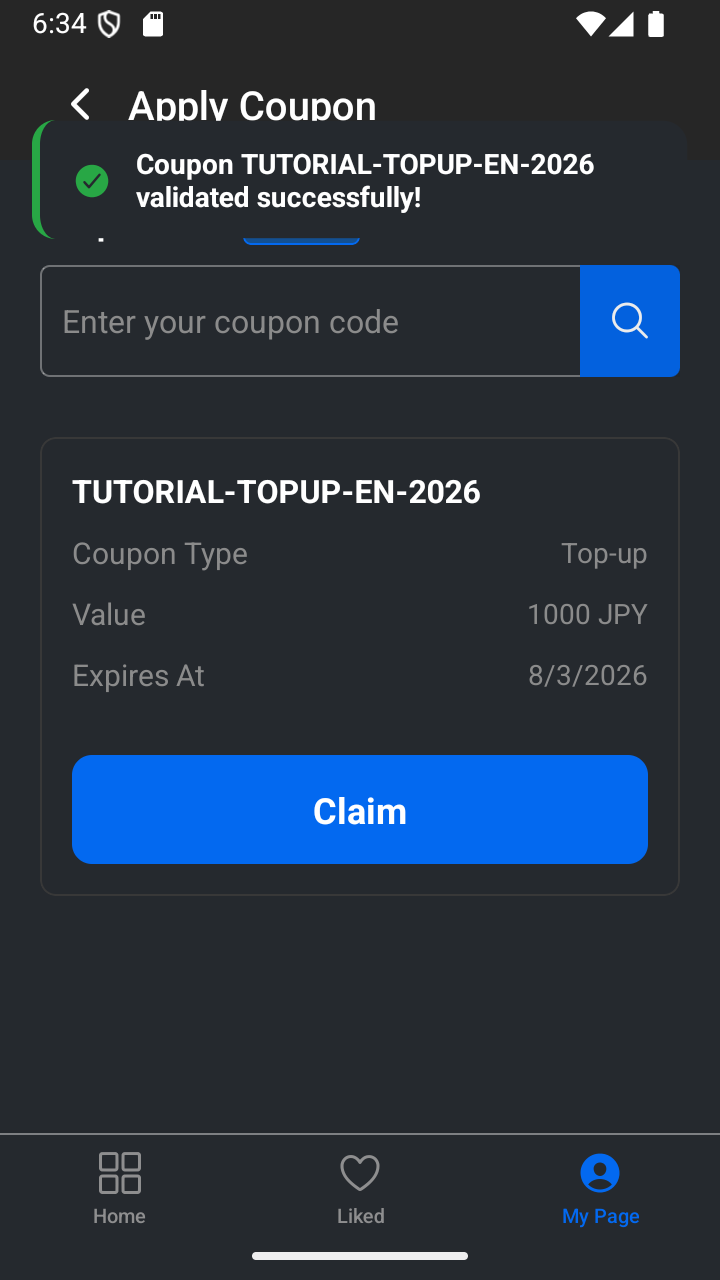
Check the coupon details, then tap Claim. 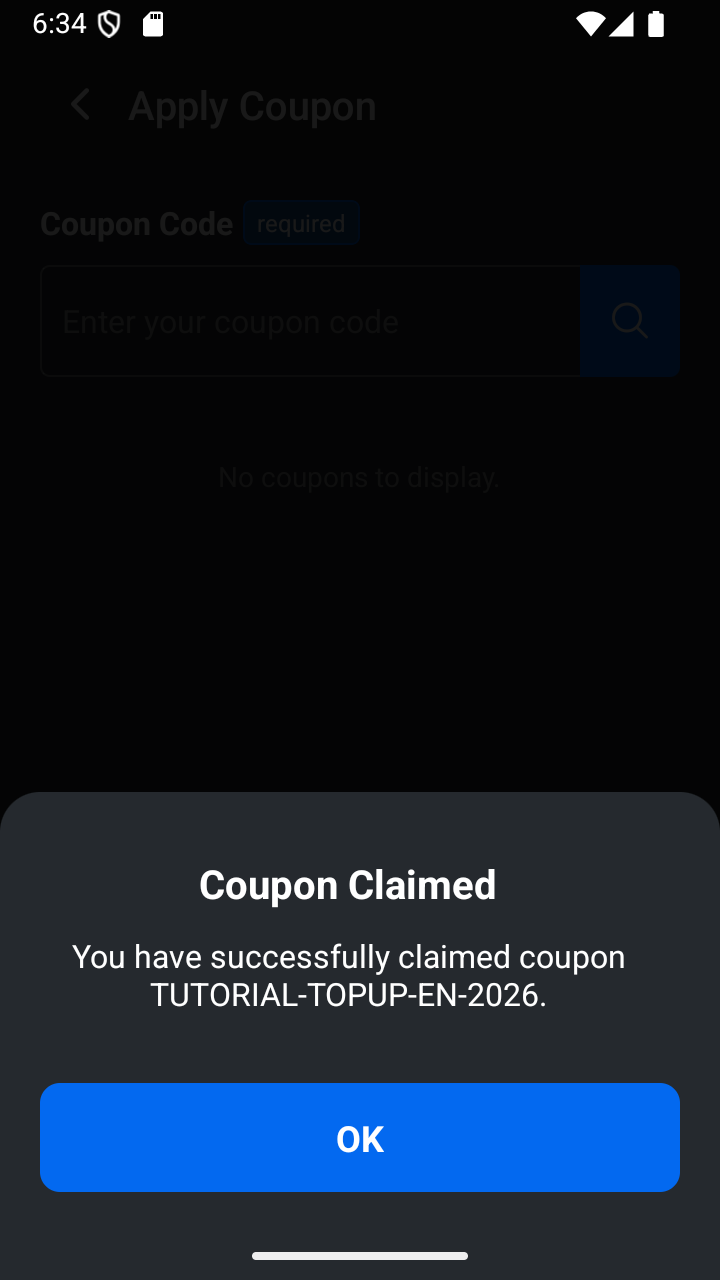
The confirmation appears after the top-up is claimed. 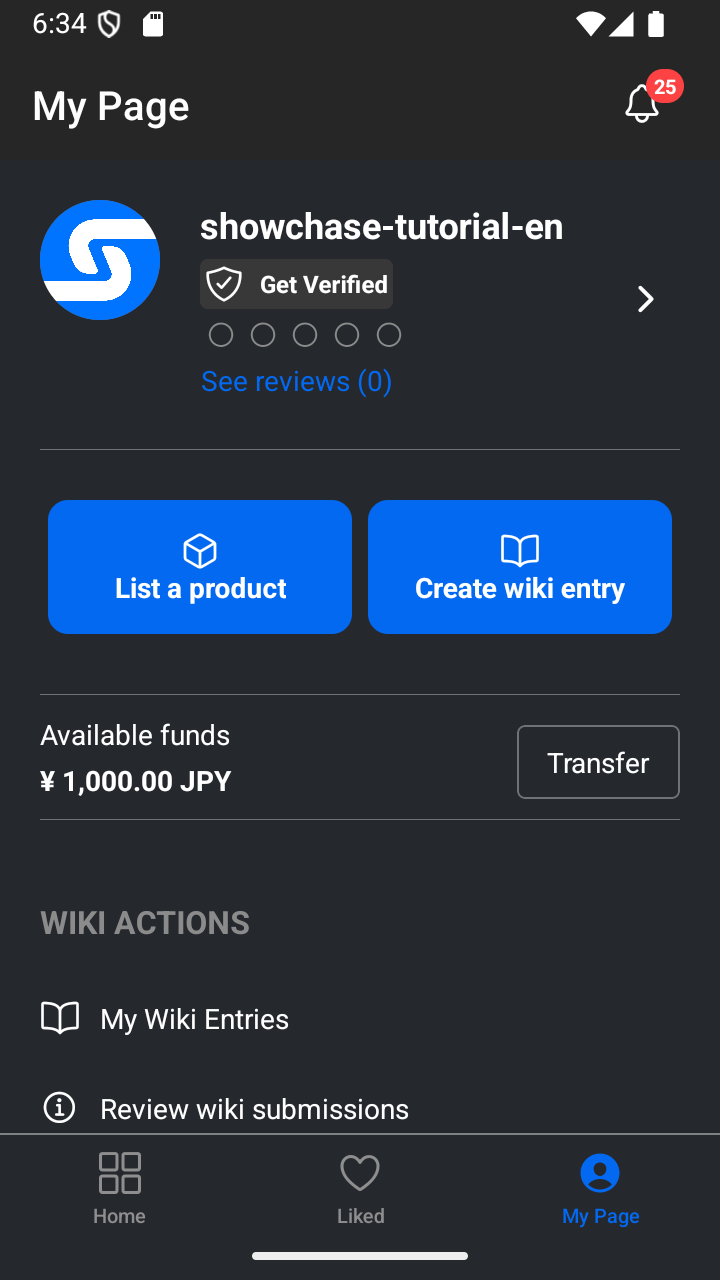
The claimed amount is added to Available funds. -
Use a purchase discount at checkout
Find the product you want, tap Buy, and enter your purchase-discount code in the Coupon Code field on the purchase page. Validate it before you complete the purchase. If the coupon percentage is higher than the commission rate, the coupon card shows the maximum discount available for that purchase.
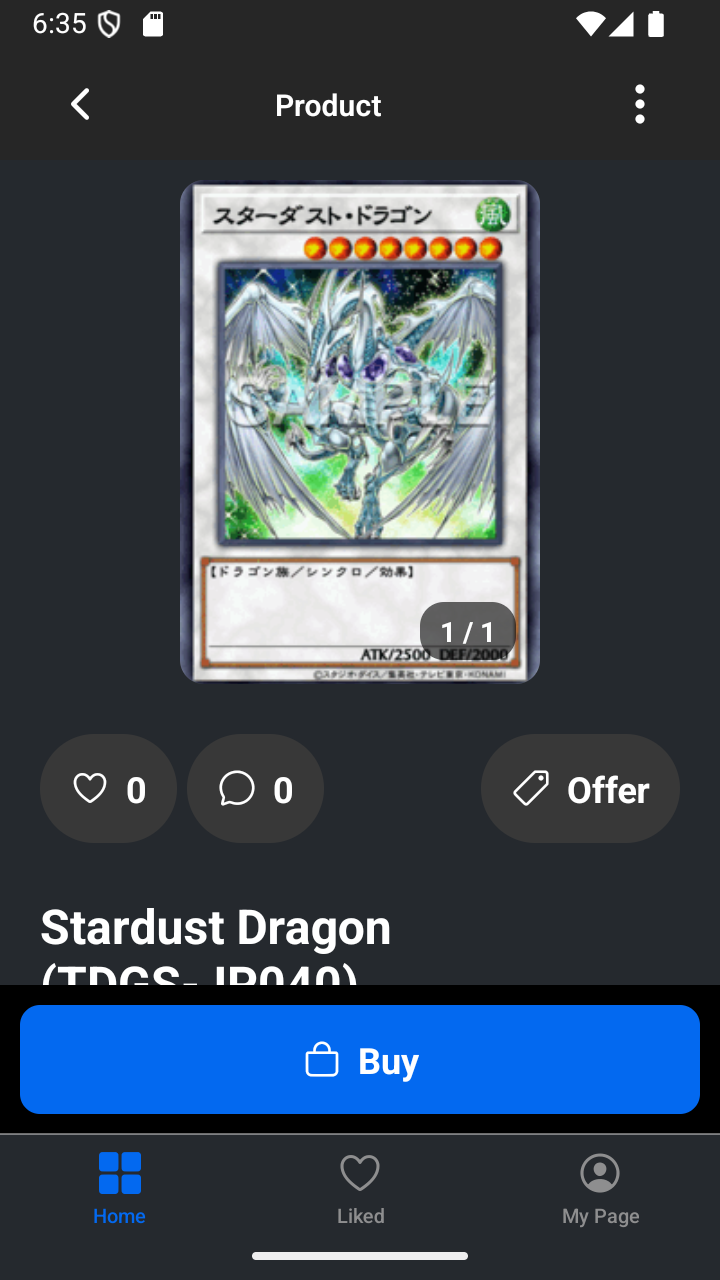
Choose Buy from the product page. 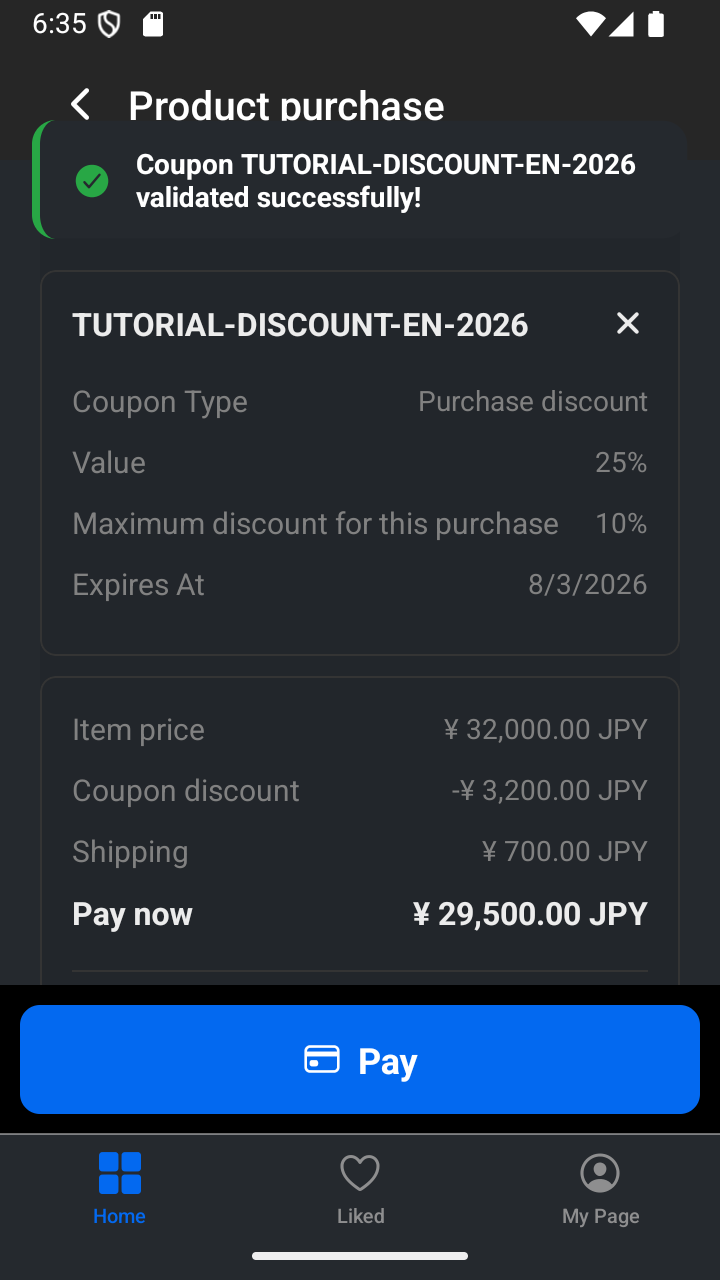
Validate the code on the purchase page. The card shows the maximum discount for this purchase when the coupon is capped.
Use your coupon when it fits
Keep your coupon code private and check its expiry date before using it. A top-up coupon adds funds after you claim it. A purchase discount is entered during checkout and applies only to that purchase.
— The Showchase team